From camera output to production
Tracking intelligence means little if the video feed introduces uneven latency, drops audio sync inside a network switch, or refuses to talk to your replay and graphics hardware.
Separate the control plane from the video plane
In compact club setups, a single Gigabit Ethernet cable often carries PoE++ power, NDI video, and VISCA-over-IP control commands at the same time. While convenient, running uncompressed or high-bitrate NDI alongside AI inference metadata on an unsegmented consumer switch creates packet jitter—resulting in stepped pan movements or delayed joystick responses.
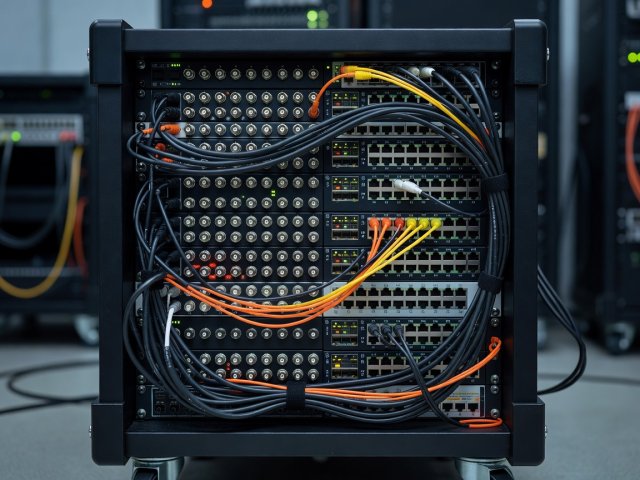
Wherever budget permits, isolate video transport onto dedicated 3G-SDI/12G-SDI coax, SMPTE ST 2110 fiber, or a VLAN-separated NDI network with QoS prioritization for control packets. Keep VISCA-over-IP (UDP/TCP) or FreeD camera-tracking telemetry on a clean subnet so a burst of multi-view video traffic never stalls an emergency pan stop.
Frame rates, latency budgets, and lip-sync
Sports motion degrades quickly at 25p or 30p. Match every automated camera, virtual crop engine, and production switcher to a progressive high-motion standard—1080p50 in 50 Hz regions or 1080p59.94 in 60 Hz territories (or 2160p50/59.94 where uplink bandwidth supports 4K delivery).
Pay close attention to processing latency inside AI framing boxes. Some panoramic stitching and neural-inference pipelines buffer 4 to 12 frames (80 ms to 240 ms) before emitting a clean virtual broadcast crop. If you mix that buffered virtual feed with an unbuffered manned pitch-side SDI camera, commentary audio and scoreboard clocks will drift out of sync with one camera angle unless you apply matching frame-sync delays on the switcher inputs.
Transport standards across typical sports tiers
| Production Tier | Primary Video Link | Control & Telemetry | Key Engineering Watchpoint |
|---|---|---|---|
| Single-Camera Club Stream | Direct H.264/H.265 encoder or NDI|HX over Gigabit | Internal AI tracker + web/tablet override | Lock constant bitrate (CBR) and fixed GOP interval for CDN stability |
| Regional Multi-Camera OB | 3G-SDI / 12G-SDI into production switcher | VISCA-over-IP + TSL tally + hardware joystick | Match genlock or frame-sync buffers between AI crop and manned cameras |
| Remote / REMI Broadcast | SRT (AES-128) or RIST over dual WAN / fiber | VPN tunnel for PTZ control + NTP timecode | Keep SRT latency buffer at 3x–4x round-trip ping to absorb uplink jitter |
| Tactical & Coaching Dual-Feed | Dual streams: cropped broadcast + wide panoramic | XML/JSON event markers & scoreboard OCR | Synchronize timecode across both recordings for post-match review |
Replay buffers, graphics, and automated metadata
Modern automated camera systems often expose more than pixels. FreeD lens-position telemetry allows AR graphics engines to anchor virtual yard lines or offside overlays directly onto moving PTZ shots, while event logs can automatically flag goals, shots on target, or timeouts for instant replay operators.
Treat automated highlight tags as a time-saving index rather than final truth. False positives from side-netting hits or blocked clearances are common; always keep a human replay operator or producer checking in-and-out trim points before pushing clips to live broadcast or club social channels.
Audio & Clock Checklist
Never rely on internal camera pinhole microphones for match sound. Capture crowd and referee ambience via weather-shielded shotgun or boundary mics routed straight into your mixer or encoder with adjustable audio delay matching your slowest camera pipeline.
Compare your venue constraints against our sideline FAQ
Still weighing optical PTZ heads against panoramic arrays, or validating uplink margins for remote REMI control? Check practical answers from real match environments or draft a production question.